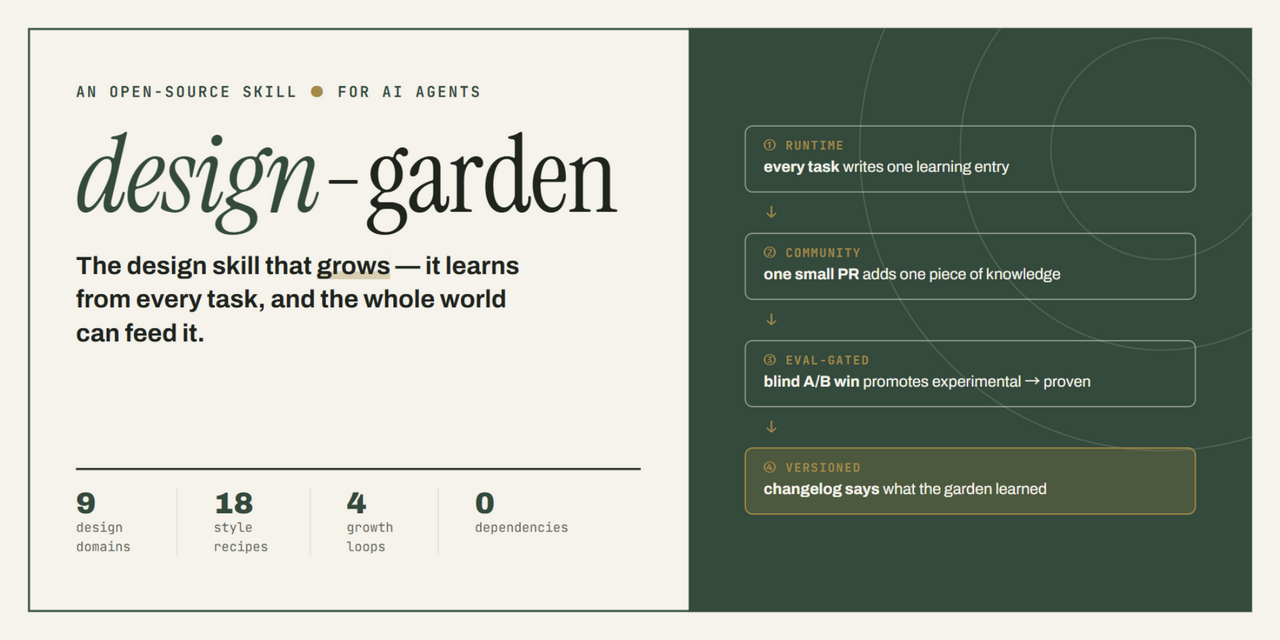
A design skill that grows, and a community that listens when you say “something feels off”. You do not need code. You only need to know which button to press now.
Three paths. The skill ZIP works with most agents; the DSH plugin is for DeepSeek Harness; if you do not want to install anything, jump to the gallery.
Recommended · any agent
Download the skill
One ZIP, one complete design-garden. Works with ZCode, Claude Code, and any agent that reads SKILL.md.
GitHub is not an exam. It puts “look, ask, change, vote” in a few fixed places. Every button below tells you where it is, what it does, and whether a beginner needs it.
01StarStarSaveStart here+
Where
Top right of the repository, next to the Star count
What it does
Saves the repo and gives the project a public signal. The Star count is the first thing visitors use to judge whether a project is worth reading.
Beginner advicePress this first. You can Star without signing in, but only a signed-in Star is remembered.
02Code ▾CodeDownload / cloneStart here+
Where
The green button above the file list
What it does
Downloads the whole repo as a ZIP, or copies the git clone URL. No git? Choose Download ZIP.
Beginner advicePress it to install the skill. The green button does not “run code”; it only gives you the code.
03IssuesIssuesQuestions and submissionsStart here+
Where
The tab row at the top of the repository
What it does
Ask a question, report a knowledge bug, or submit a work. Each template gives you the shape to fill.
Beginner adviceThe most useful tab for beginners. Pick a template, fill the title; no code.
04New issueNew issueCreateOnly to contribute+
Where
Top right of the Issues page
What it does
Opens a submission or question form. Write a clear title and fill the template; you can drag images straight into the editor.
Beginner advicePress it to submit. GitHub turns the dropped image into a link for you.
05README.mdREADMEProject home pageStart here+
Where
Below the file list, rendered automatically
What it does
The project's own manual: what it is, how to install, how to use. Much faster than reading the file tree.
Beginner adviceRead the README before installing anything.
06ForkForkCopy to your accountOnly to contribute+
Where
Top right, next to Star
What it does
Copies the repo to your account. Your edits happen in your copy and do not touch the original.
Beginner adviceOnly needed if you want to edit files and open a PR. Using the skill does not require a Fork.
07Pull requestsPull requestsMerge requestsOnly to contribute+
Where
The tab row at the top
What it does
After someone edits files, they ask for the change to be merged into the main line. Every diff and discussion lives here.
Beginner adviceLook here if you want to contribute content; ignore it if you only use the skill.
08DiscussionsDiscussionsForumOnly to contribute+
Where
The tab row (maintainers can disable it)
What it does
A looser space than Issues. Vote threads, work showcases, and open questions often live here.
Beginner adviceUse it to talk or find vote threads. If the tab is missing, use Issues.
09ActionsActionsAutomationNot urgent+
Where
The tab row at the top
What it does
Runs checks, deploys the site, and syncs votes after each push. A red cross means a check failed, not that you did something wrong.
Beginner adviceNot urgent. Open it if you want to see how the site updates itself.
10WatchWatchSubscribeNot urgent+
Where
Top right, next to Star
What it does
Notifies you about new Issues, PRs, or Releases. You can choose to receive only threads you participate in.
Beginner adviceNot urgent. Skip it if you do not want the email.
11AboutAboutSidebarStart here+
Where
The right side of the file list
What it does
One-line description, website, topics, license, Stars and Forks. The fastest way to judge whether a repo is usable.
Beginner advicePress this first. License and website tell you more than the Star count.
12ReleasesReleasesVersionsNot urgent+
Where
Below the About sidebar
What it does
Packaged versions and release notes. Some projects only offer downloads here.
Beginner adviceNot urgent. For beginners, Code → Download ZIP usually works.
13main ▾BranchVersion lineNot urgent+
Where
Above the file list, on the left
What it does
Switches the version you are viewing. main is the main line; other branches may be experiments or a PR.
Beginner adviceNot urgent. Stay on main unless someone asks you to inspect a branch.
14HistoryHistoryFile historyNot urgent+
Where
Top right after opening a file
What it does
Shows who changed a file, when, and why. You can compare old versions and read the exact diff.
Beginner adviceOpen it when curious or looking for an older version. Useful when reading the knowledge base.
Permissions, webhooks, and Pages deployment. You cannot see it without maintainer access.
Beginner adviceMaintainers only. If the tab is missing, you do not need it.
Three buttons are enough
Star saves, Issues asks and submits, Code downloads. Learn the rest only when you need them; not knowing them will not stop you from using the project.
StarIssuesCode
GitHub moves things slightly between redesigns; trust the name, not the exact position.
03
Repository map
This repo is not only code. It is a manual, a gallery, a set of automated checks, and an entrance for beginners. Follow this order and you will not get lost.
Issue templates, PR template, and Actions workflows.
Change the submission form or the sync jobs here.
site/
Generated site output; do not edit by hand (also gitignored).
Generated by scripts/build_site.mjs and build_start_site.mjs.
The numbers come from the repository at build time, not from a marketing deck.
04
Works
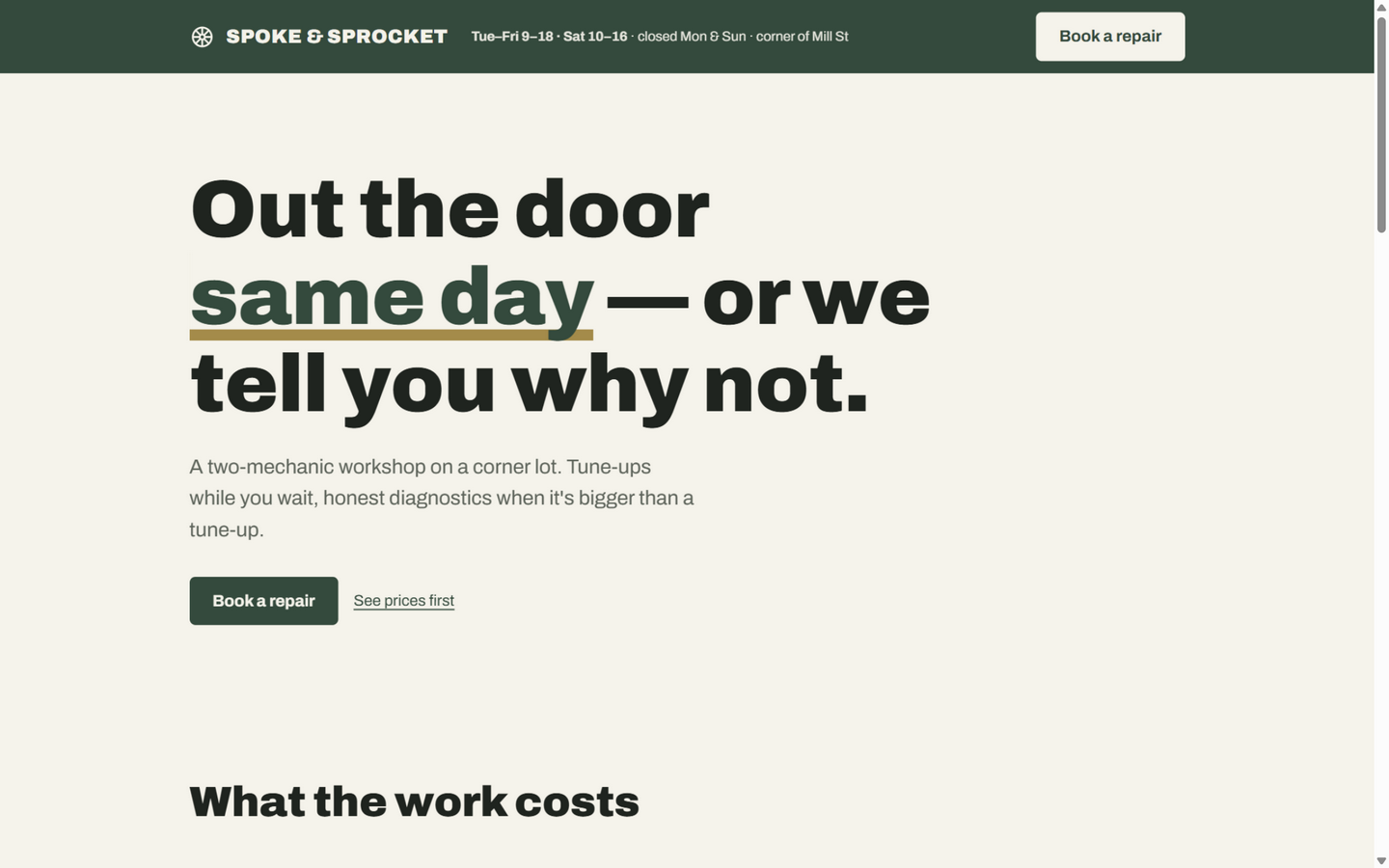
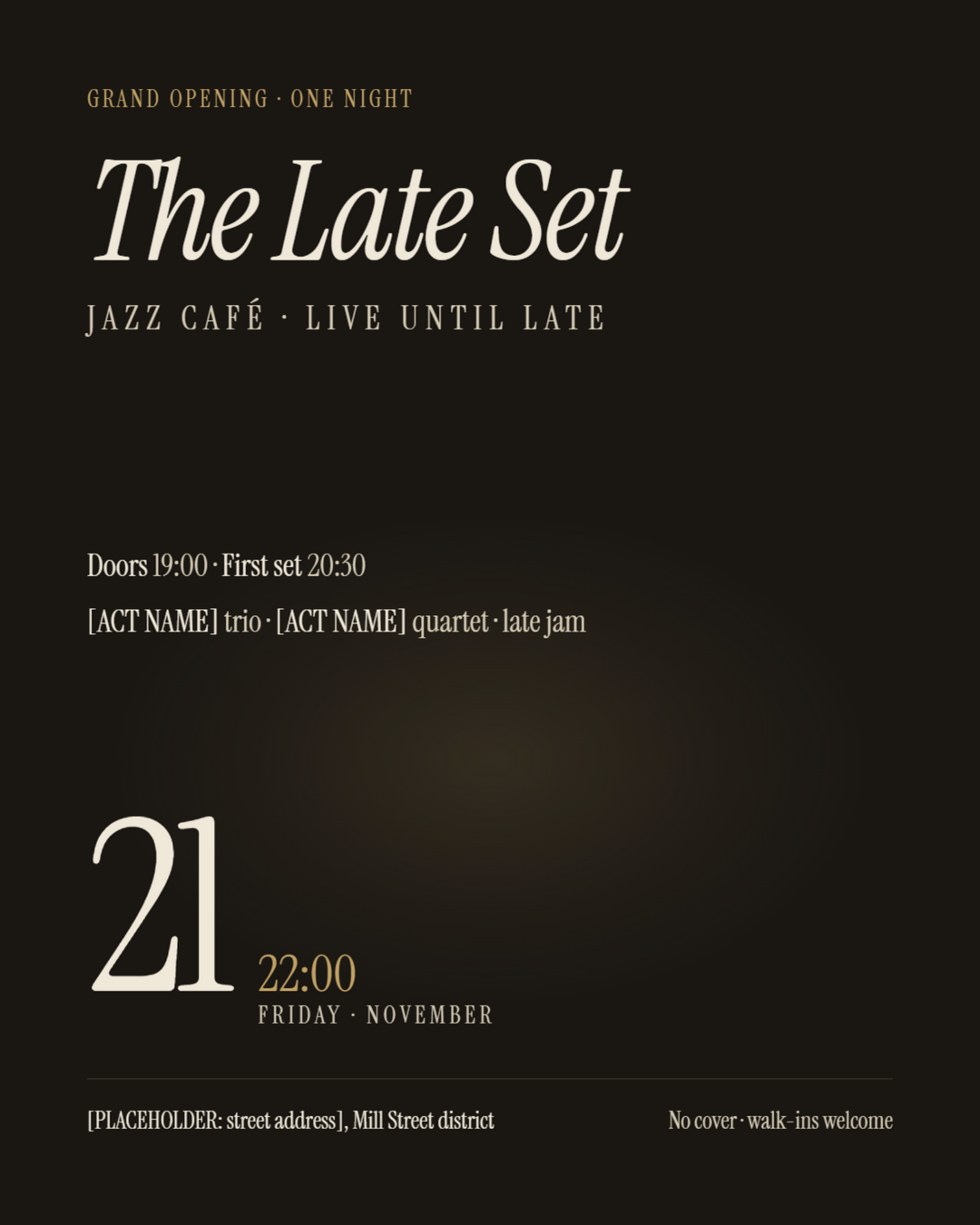
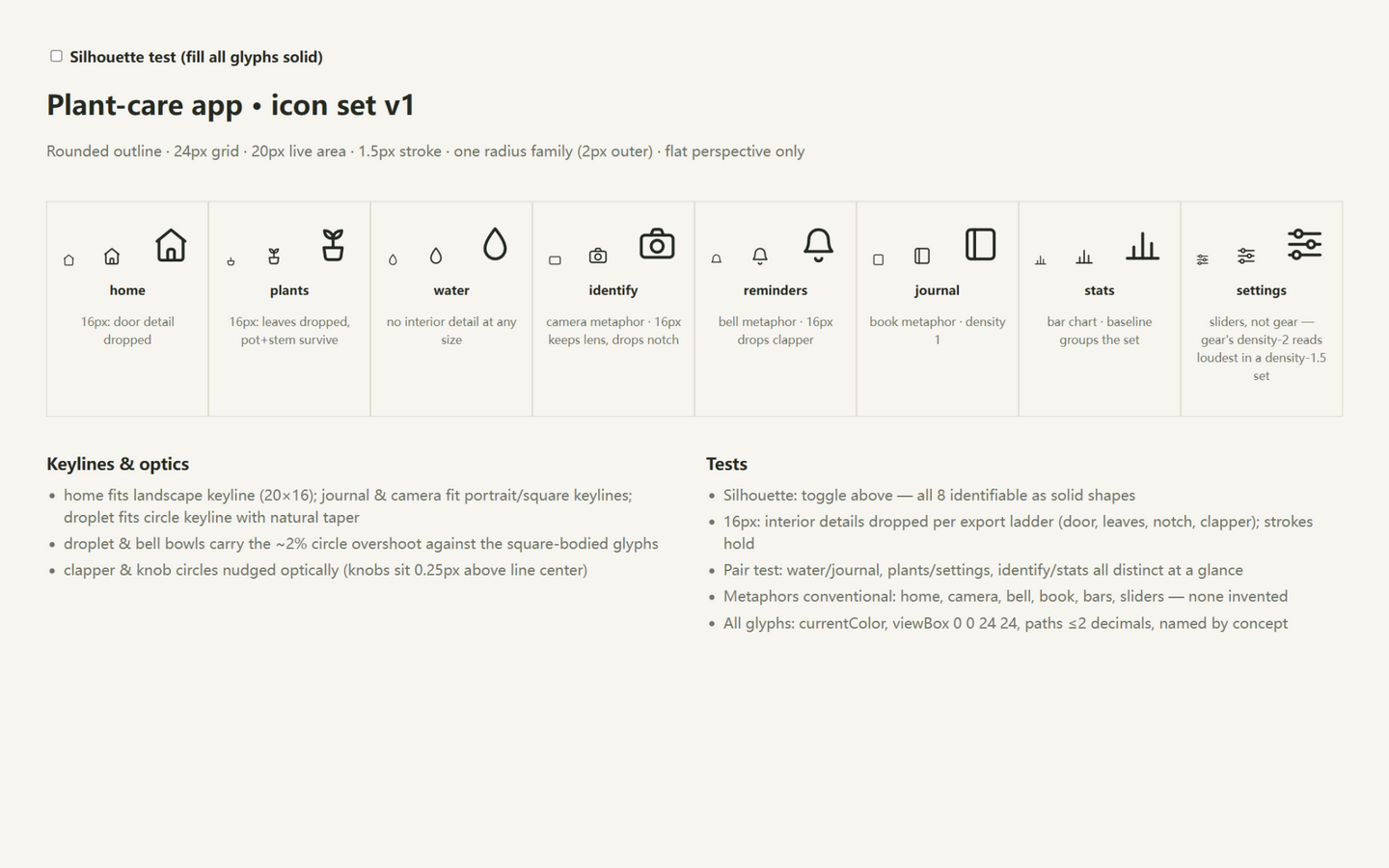
See what the workflow actually makes before you decide to submit one. The exhibits are the project's own outputs; the community section is waiting for its first flower.
ExhibitStore assets
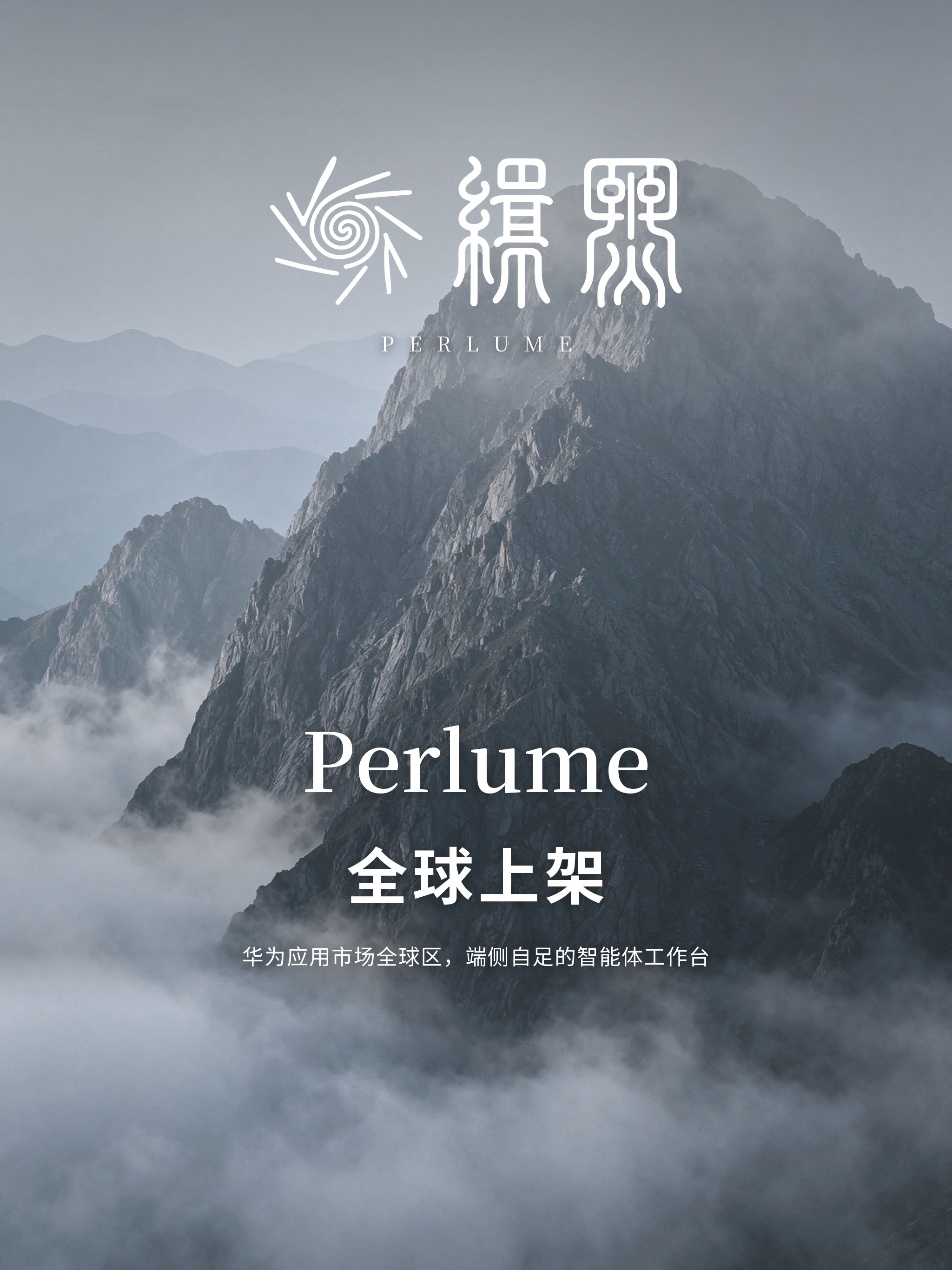
Perlume store assets, portrait 3:4
Seven pages on one skeleton: the content area is the real framed screenshot, scaled but never redrawn, and every Chinese glyph is composited in code.
Submission is not an exam. We check three things: it is yours, the image is legible, and the note says something. We do not grade “professional polish”.
01
Pick one real work
A poster, icon, logo, page, slide, or illustration. One image is enough; no nine-grid dump.
02
Open the submission form
A GitHub account is your identity; you can look around without one. The template lists what to fill.
03
Drag the image into the body
Drop a PNG/JPG/WebP into the issue editor; GitHub creates the link. Three sentences: context, one design decision, one unsolved problem.
04
Wait for review
A maintainer reads the image and the note in a PR. Once merged, it enters the gallery and the current vote. Usually 24–72 hours.
All 18 recipes live in knowledge/styles/. Spin again if you dislike it.
30 sec
Delivery checklist
Ten items, 30 seconds. Tick them before shipping.
Glossary
Six words are enough
agentA program on your computer that can do tasks for you.
skillA professional manual installed into an agent; design-garden is a design manual.
repoThe project's home on GitHub: files, history, and discussion.
issueA trackable question or submission with a number; it can be replied to and closed.
PRA “please merge my change” request; review happens here.
reaction / 👍An emoji response on GitHub; this project uses 👍 as the vote.
One sentence
Turn a need into plain words
Three blanks make one sentence an agent can follow.
Use design-garden to make a neighborhood adoption-day poster, for the building elevator, A3. I want it to feel like a botanical guide: chalk paper, thin rules, handwritten labels.